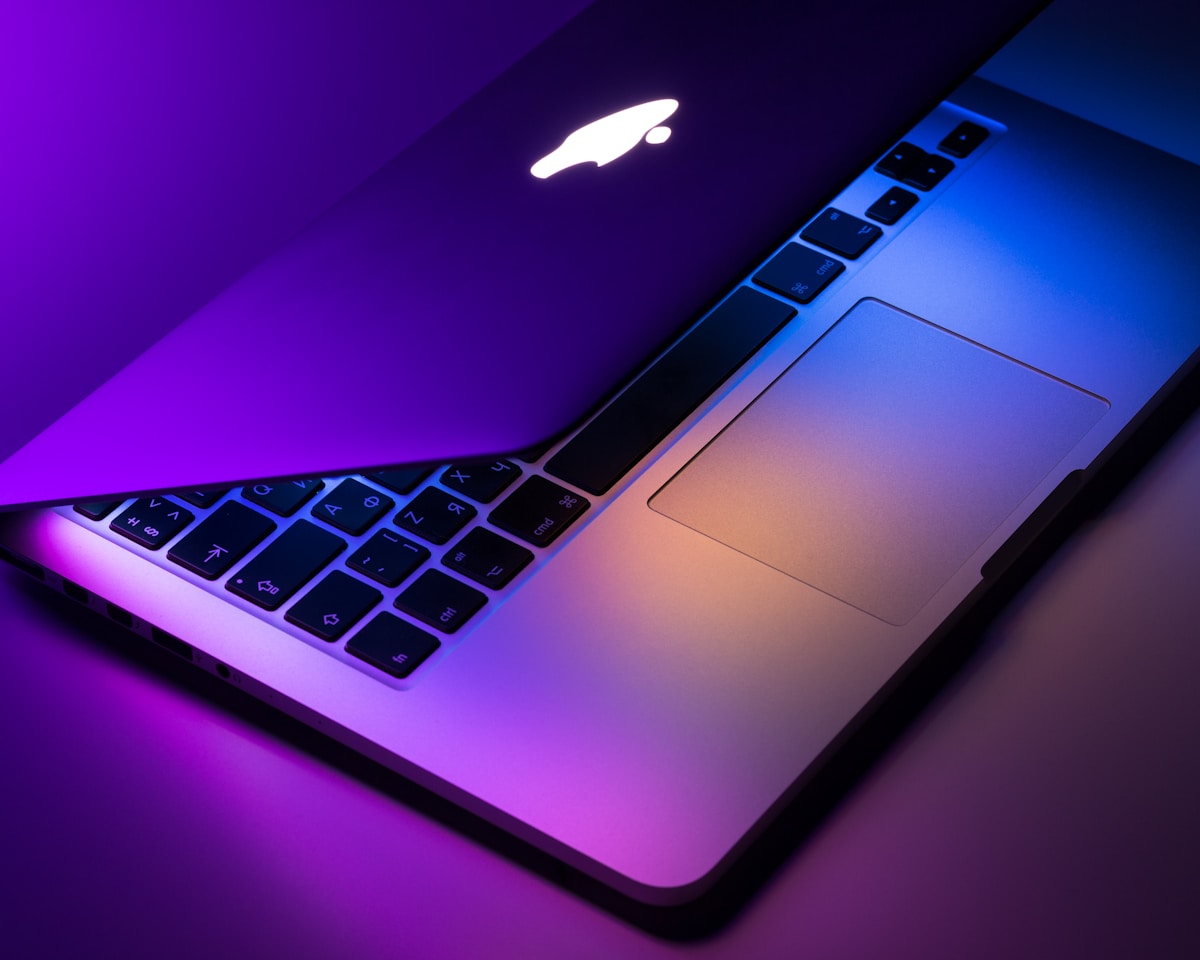
Every week in my training sessions, someone asks me the same question: "Should I get the MacBook Pro or the MacBook Air?" After 15 years of working with Apple laptops, I've developed a framework for answering this that actually helps people make the right choice. Let's break it down.
Understanding the Current Lineup
Apple's laptop lineup has simplified considerably since the Intel days. As of early 2024, you have the MacBook Air (M3, M2, and M1 models) and the MacBook Pro (M3, M3 Pro, M3 Max). The base MacBook Air starts at $1,099, while the base 14-inch MacBook Pro starts at $1,999. That's a significant price gap, and it reflects real differences in capability.
The key question isn't "which is better" but "which is better for you." These are genuinely different machines for different use cases, despite their similar appearances.

MacBook Air: The Everyday Champion
The MacBook Air is remarkable engineering. The M3 MacBook Air, in particular, delivers performance that would have required a $2,000 Pro laptop just three years ago. For most people, it's not a compromise—it's the right tool for the job.
Who Should Buy the MacBook Air
If your daily workflow consists of web browsing, email, document editing, video calls, and streaming, the MacBook Air is everything you need. The M3 chip handles 4K video editing without breaking a sweat. Photo editing in Lightroom or Photos is smooth and responsive. You can even do casual music production without any issues.
I recommend the MacBook Air to:
- Students at any level (the $999 education pricing makes it even more attractive)
- Office workers who use standard business software
- Writers and content creators working primarily with text and images
- Anyone upgrading from a 4-5 year old Mac who wants modern performance without the Pro price tag
- Casual users who want a reliable, fast computer without paying for features they'll never use
MacBook Air Key Specs (M3, 2024)
- Apple M3 chip (8-core CPU, up to 10-core GPU)
- 8GB to 24GB unified memory
- 256GB to 2TB SSD
- 13.6-inch Liquid Retina display
- 18-hour battery life
- Fanless design (completely silent operation)
- Weight: 2.7 pounds
MacBook Pro: Built for Professionals
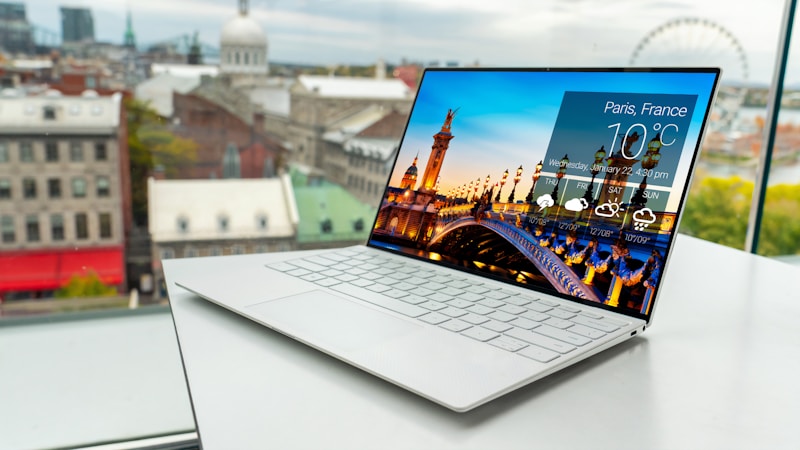
The MacBook Pro exists for people who actually need what it offers. If you're regularly frustrated by limitations in your current workflow, the Pro addresses those with genuine, measurable improvements.
When the MacBook Pro Makes Sense
The Pro's advantages become apparent in specific professional scenarios. If you're rendering 8K video, training machine learning models, or working with massive RAW photo libraries, you need the Pro's capabilities. But here's what many buyers don't realize: the base 14-inch MacBook Pro with the standard M3 chip is often sufficient, even for professionals.
The M3 Pro and M3 Max are for very specific workflows:
- Video editors working with multiple streams of 4K or 8K footage simultaneously
- 3D artists rendering complex scenes
- Software developers compiling large codebases
- Data scientists running local models
- Music producers working with hundreds of tracks and plugins
MacBook Pro Key Specs (14-inch, M3, 2024)
- Apple M3 chip (8-core CPU, 10-core GPU) or M3 Pro/Max
- 18GB to 128GB unified memory
- 512GB to 8TB SSD
- 14.2-inch Liquid Retina XDR display with ProMotion
- 22-hour battery life
- Active cooling with fans
- SD card slot, HDMI port, MagSafe 3
- Weight: 3.5 pounds
The Real-World Performance Gap
Let me give you some concrete numbers from my testing. When exporting a 10-minute 4K timeline in Final Cut Pro:
- M3 MacBook Air: 4 minutes 12 seconds
- M3 14-inch MacBook Pro: 3 minutes 48 seconds
- M3 Max 16-inch MacBook Pro: 2 minutes 15 seconds
That difference between Air and Pro? About 10%. The difference between Pro and Max? That's where the 50% premium makes sense if you do that work all day long.
"The MacBook Air is fast enough for most professionals. The MacBook Pro is faster. The MacBook Pro Max is fastest. The question is whether your time is worth the premium."
Display Differences Matter More Than Expected
One thing I emphasize in my training: the display difference is more significant than the specs suggest. The MacBook Pro's Liquid Retina XDR display with mini-LED technology and ProMotion (up to 120Hz) is genuinely better for color-critical work. If you're editing photos or video, you'll notice the deeper blacks, higher dynamic range, and smoother scrolling.
The Air's Liquid Retina display is excellent for general use, but if you're doing professional creative work, the Pro's display is worth the upgrade on its own.
Memory: The Hidden Decision Factor
Here's what I see trip up buyers: the MacBook Air starts with only 8GB of unified memory. While macOS is efficient with memory, 8GB can limit your ability to work with large files or keep many apps open simultaneously. I recommend configuring the Air with 16GB if your budget allows—even if you don't think you need it now.
For the MacBook Pro, 18GB is the minimum, which is more comfortable for professional workflows. If you're considering the Pro, budget for 36GB or more if you're doing serious creative work.
My Recommendation Framework
Buy the MacBook Air if:
- Your primary activities are web, email, documents, and media
- You want the best value for everyday computing
- You value portability and battery life above all else
- You work in coffee shops or travel frequently
- You're a student on a budget
Buy the MacBook Pro if:
- You regularly push your machine with demanding professional workloads
- You need the SD card slot or HDMI port for your workflow
- You do color-critical work and need the XDR display
- You regularly connect to external displays (the Pro supports more monitors)
- You're upgrading from a 2019 or earlier Intel MacBook Pro
Don't Overbuy (But Don't Underbuy Either)
The most common mistake I see is people buying more Mac than they need because they "might use it someday." That $1,000 premium for the Pro over the Air could instead buy you external storage, a better monitor, or software that actually improves your workflow.
Conversely, I've seen people buy the Air and spend months frustrated by slow exports or beach ball spinners when they should have spent the extra money on the Pro. Know your workflow. Be honest about what you actually do with your computer.
If you're still unsure, go with the MacBook Air. It's an extraordinary computer, and you can always sell it or hand it down to a family member if your needs change.

Related Articles
M3 MacBook Pro: Real-World Performance Review
Detailed testing of M3 Pro and Max chips in real workflows.

Essential macOS Settings Every New Mac User Should Change
Optimize your new Mac from day one.