After fifteen years of setting up creative workstations for designers, photographers, videographers, and musicians, I've learned that the right accessories can dramatically improve your workflow—and the wrong ones can become expensive paperweights. The difference often comes down to understanding what actually matters for your specific creative discipline.
Over the years, I've watched countless creative professionals spend thousands on the latest Mac hardware only to hobble themselves with inadequate storage, uncomfortable input devices, or displays that don't accurately represent their work. This guide cuts through the marketing noise to focus on accessories that genuinely enhance productivity and creative output.
Displays: Your Work Depends on What You See
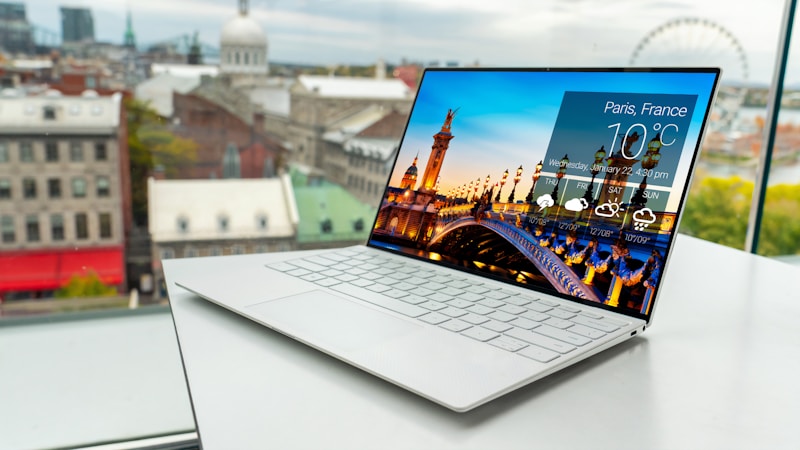
If you're doing any visual work—photo editing, video post-production, graphic design, or illustration—a quality display isn't optional, it's essential. The built-in display on MacBook Pro models is excellent, but many creative professionals need more screen real estate or color-critical accuracy that external monitors provide.
Studio-Grade Displays
The Dell UltraSharp UP3218K remains a top choice for photographers and designers requiring 8K resolution and exceptional color accuracy. At 31.5 inches with 33.2 million pixels, it delivers enough detail to see precisely what your final output will look like. The BenQ PD3200U is a more affordable alternative with 4K resolution, 100% sRGB coverage, and specialized modes for CAD and animation work.
For video editors, the LG UltraFine 5K display integrates seamlessly with Mac and provides enough resolution for editing 4K content at full quality. Apple's own Studio Display offers exceptional integration with Mac systems, though the lack of hardware calibration tools limits its appeal for professional color work.
Calibration Is Non-Negotiable
Whatever display you choose, calibrate it with a hardware colorimeter. The X-Rite i1Display Pro or Datacolor Spyder X are essential investments. Even the best display will show inaccurate colors without calibration. I recommend recalibrating every two to four weeks, as displays naturally shift over time.
Storage: Speed and Capacity Working Together
Creative work devours storage. A single video project might consume hundreds of gigabytes, and photo libraries from professional shoots easily reach terabytes. The bottleneck in many creative workflows is waiting for files to transfer or load, making storage one of the highest-impact upgrades you can make.
NVMe SSDs for Maximum Performance
Thunderbolt 3 NVMe enclosures like the Samsung X5 or CalDigit TS3 Plus with fast NVMe drives deliver transfer speeds up to 2800MB/s. This makes a massive difference when working with large video files or accessing photo libraries. For most creative professionals, a 1TB to 2TB fast external SSD provides the best balance of speed and capacity for active projects.
Network Attached Storage for Archive
Long-term storage and backup needs are best served by NAS (Network Attached Storage). The Synology DS920+ with ironwolf drives provides reliable network storage that multiple Mac users can access simultaneously. For photographers with massive libraries, a NAS allows accessing archived projects without filling local storage.

Input Devices: Where Precision Matters
Drawing Tablets
Wacom remains the industry standard for drawing tablets, and the Wacom Cintiq 16 offers an excellent balance of screen size, pressure sensitivity, and price. The 8192 levels of pressure sensitivity and responsive pen tracking make it ideal for digital illustration, photo retouching, and concept art. For those preferring a more portable option, the Wacom Intuos Pro provides professional-grade input without a built-in display.
Pointing Devices
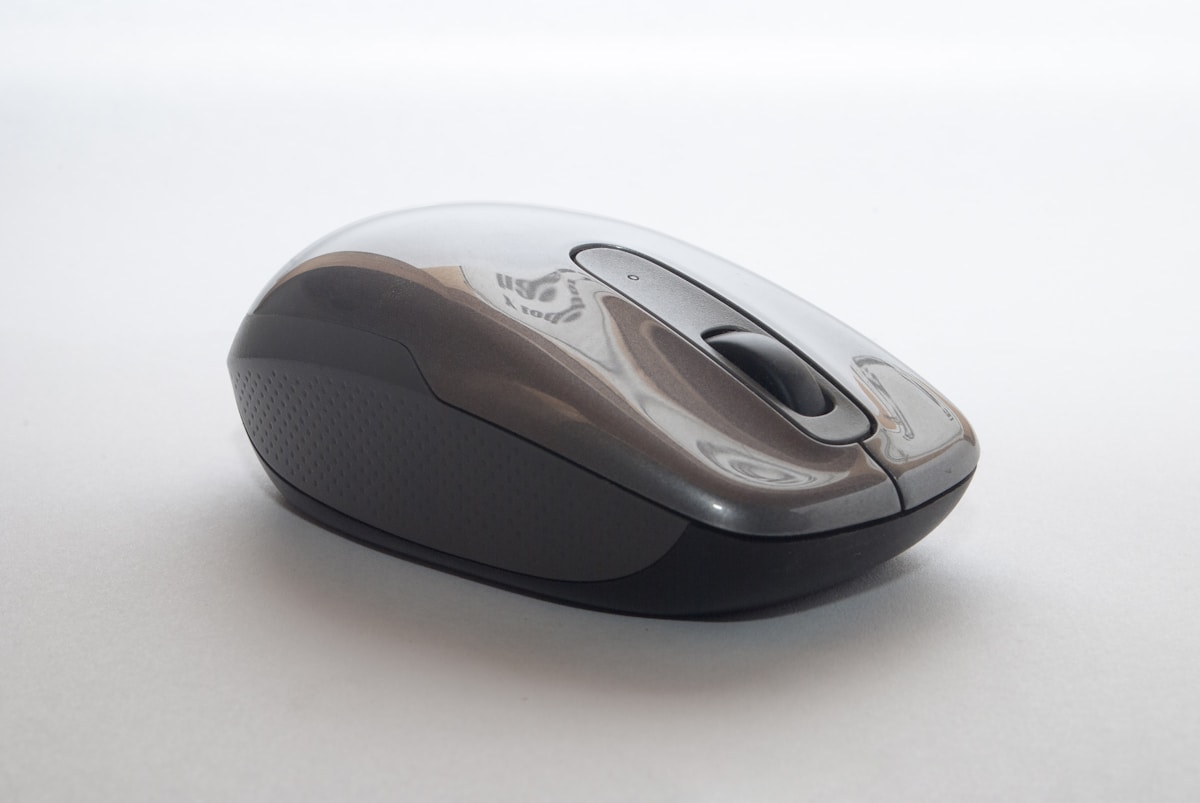
While the MacBook trackpad is excellent, many creative professionals prefer the precision of a mouse for photo editing and video work. The Apple Magic Mouse 2 works well, though its low profile takes adjustment. The Logitech MX Master 3S offers ergonomic design with customizable buttons and a thumb scroll wheel that's particularly useful in applications like Lightroom and Premiere Pro.
Audio: Hear What You're Creating
Accurate audio monitoring is crucial for video editors and music producers. Consumer headphones simply don't provide the accurate frequency response needed for critical listening. The Audio-Technica ATH-M50x remains a studio staple for its neutral sound signature and durability. For closed-back monitoring during recording sessions, the Beyerdynamic DT 770 Pro delivers excellent isolation.
Audio Interfaces
If you're recording voiceovers, podcasts, or music, a dedicated audio interface significantly improves sound quality over built-in Mac audio. The Focusrite Scarlett 2i2 provides clean preamps, phantom power for condenser microphones, and direct monitoring—all in a portable package that works seamlessly with Mac.
Ergonomics: Protecting Your Health
Creative work often means long hours at the desk, which can lead to repetitive strain injuries, neck pain, and other issues. Investing in ergonomic accessories isn't indulgence—it's protection for your career.

Keyboard and Desk Setup
The Apple Magic Keyboard is fine for light work, but long writing sessions benefit from a mechanical keyboard with tactile switches. The Keychron K2 offers Mac compatibility withCherry MX switches in a compact layout. Pair this with a keyboard tray or adjustable desk to maintain proper wrist alignment.
Monitor Arms and Stands
Positioning your display at the correct height prevents neck strain. The Ergotron LX Arm allows precise adjustment and frees desk space. The rule I teach clients: the top of your screen should be at or slightly below eye level, about arm's length away.
Connectivity: The Ports You Need
Modern Macs have limited ports, but Thunderbolt 4 and USB-C hubs can provide all the connectivity you need. The CalDigit TS4 Thunderbolt 4 Dock offers 18 ports including multiple USB-A, USB-C, DisplayPort, and SD card slots—a complete solution that transforms any Mac into a fully-equipped workstation with a single cable connection.
Making the Right Investment
When deciding which accessories to prioritize, consider your workflow bottlenecks. If you're constantly waiting for files to load, invest in faster storage. If colors in your prints don't match your screen, prioritize display calibration. The accessories that provide the greatest return are the ones that eliminate friction in your specific creative process.
Quality accessories last longer and perform better than budget alternatives. I've seen clients save money by buying professional-grade equipment once rather than replacing cheaper options that fail within months. Your creative work deserves tools that match its value.